
Holiday shopping brings a steady stream of order confirmations, delivery alerts, and too-good-to-be-true sale emails, and scammers count on that noise. Every November and December the same tricks return: a fake courier notice, a lookalike retailer site, or an attachment that promises a receipt. One careless click can mean a locked laptop, stolen logins, or a drained bank account before the gifts even arrive. For households and small businesses in Portland, the goal is simple: avoid the kind of virus removal Portland customers book after a rough shopping weekend.
Table of Contents
- Quick Takeaways
- Why the Holiday Season Attracts Malware
- Recognizing Holiday Phishing Scams
- Fake Shopping Sites and Malicious Downloads
- Hardening Your PC Before You Shop
- Comparing Protection Options
- What to Do If You Already Clicked
- Frequently Asked Questions
- References
Quick Takeaways
| Key Insight | Explanation |
|---|---|
| Delivery alerts are the most common holiday bait | Scammers copy carrier notices because they know you are waiting for a package. Check tracking in the carrier's app instead of through a link in a text or email. |
| Type the store address yourself | Go to the retailer through a bookmark or its official app. A domain with an extra word or a swapped letter is the usual giveaway of a fake store. |
| Unique passwords and multifactor authentication limit damage | When a phishing page captures one password, reused logins let the attacker reach your other accounts. Multifactor authentication blocks many of those logins even after a password leaks. |
| Update before the busiest shopping days | Install pending operating system, browser, and security updates during the week before Thanksgiving. Unpatched machines are the easiest targets. |
| Treat unexpected receipts and invoices as hostile | Attachments that look like invoices are a common malware delivery route. Do not open files you did not request, especially compressed archives and macro-enabled documents. |
| Hang up on fake tech support and pay nothing | A pop-up that locks your screen and gives you a phone number is a scam. Power off the computer, then get help from a known technician instead of the number on the screen. |
Why the Holiday Season Attracts Malware
Scammers do not wait for the holidays by accident. Shoppers check order status, expect packages, and click links faster than usual, which makes an alarming message easier to believe. Retailers also send large volumes of legitimate email during this period, so a fake message hides easily among the real ones.
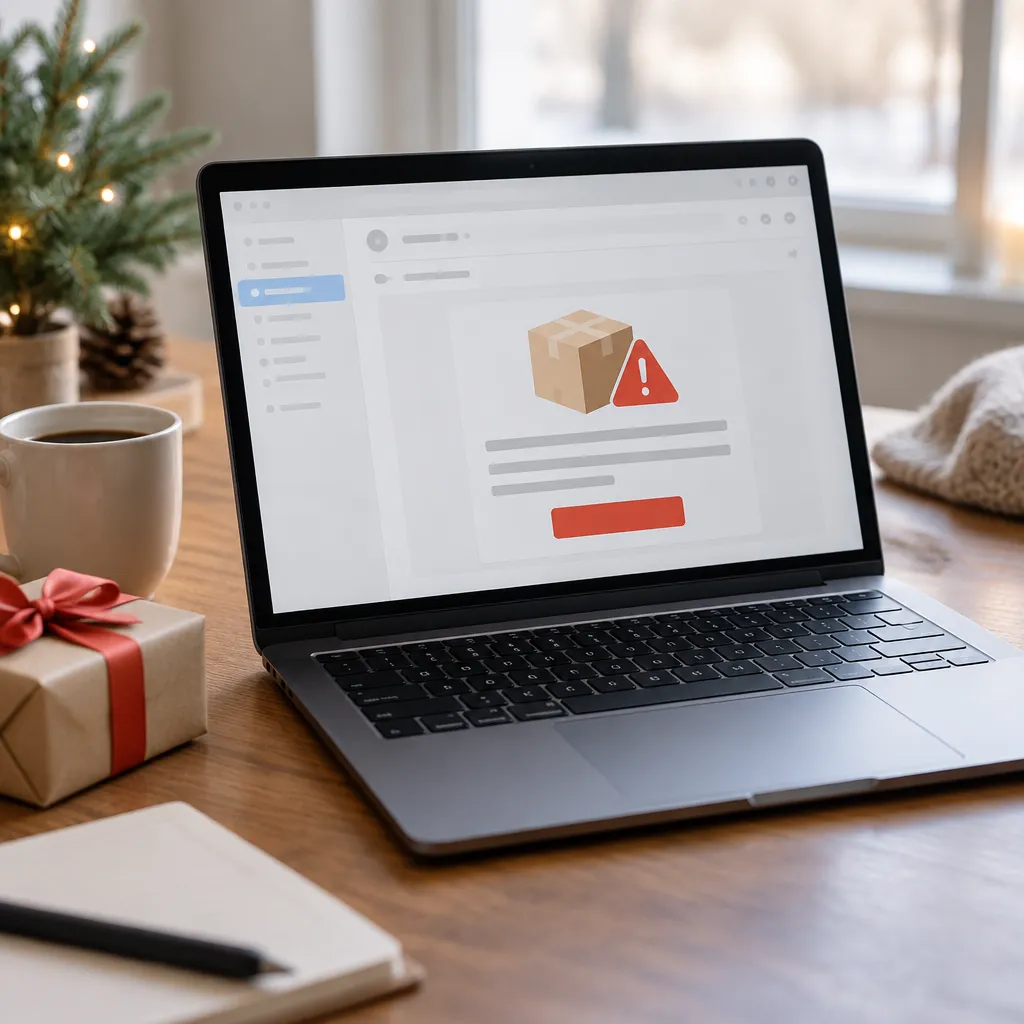
When holiday problems reach our bench, the damage usually comes from the follow-up step rather than the first click. A person enters a password on a fake page, or runs an installer to "fix" a problem the message described. By the time the computer slows down or starts showing pop-ups, the attacker has already done the work.
Why Scammers Time Their Campaigns
Phishing campaigns follow the calendar. Gift card purchases, last-minute shipping, and seasonal sales all create urgency, and urgency is the main tool of a scam. When a message says an order will be canceled in two hours, the goal is to stop you from thinking before you act.
Criminals send more messages during the days around Thanksgiving and the weeks that follow, when shoppers are most distracted. Expect volume to rise once the first big sales begin, not to fall off after the holiday weekend.
The Infection Paths We See Most Often
Holiday-related infections that reach a repair bench usually trace back to one of three places: a fake delivery notice, a counterfeit retailer page, or a free download that promised a discount code. The person rarely feels careless at the time. Each message looked ordinary, and that is exactly why it worked.
Recognizing these paths is useful because each one has a simple countermeasure. Most of the protection described later in this guide comes down to slowing yourself down at the moment a message asks for an immediate action.
Recognizing Holiday Phishing Scams
Phishing is any attempt to trick you into handing over a password, card number, or access to your computer by posing as someone you trust. Holiday versions copy the look of shipping companies, retailers, banks, and payment apps. The FBI's holiday scams guidance advises against clicking suspicious links or attachments in emails, on websites, or on social media, and that rule covers most of what follows.
The details that give a phishing message away are usually small. Look for a greeting that uses your email address instead of your name, a sender address that does not match the company, and a link whose text differs from where it actually points when you hover over it. No single check is perfect, but together they catch most fakes.
Fake Delivery and Shipping Notifications
Delivery alerts are the most common holiday bait because nearly everyone is waiting for a package. A typical message says a parcel could not be delivered and asks you to confirm an address or pay a small redelivery fee. The fee is a card harvest, and the address form is a credential grab.
The safe response is to ignore the link entirely. Open the carrier's app or type its website into your browser yourself, then look up the tracking number there. If the package is real, the carrier's own system will show it.
Pro tip: Keep tracking numbers from your order confirmation emails and check them in the carrier's app. A genuine delivery problem will appear there, so you never need to trust a link in a text message.
Lookalike Retailer Emails
Scammers copy retailer branding well enough that a logo proves nothing. What they struggle to copy is the domain. A sender address or link with an extra word, a different ending, or a swapped letter is the easiest tell, and a deal that seems too generous for the day is another.
A message that makes you feel rushed is asking you to skip the one step that would reveal it as a scam.
Taylor Bank's holiday fraud guidance recommends contacting an organization directly through a trusted phone number or website whenever you are unsure. Apply the same rule to shopping. If a retailer says your payment failed, log into your account from a bookmark you already trust rather than through the email.
Fake Shopping Sites and Malicious Downloads
Fake shopping sites are built to look like real stores and to collect your payment details before anyone notices the storefront is empty. Some are cloned from legitimate retailers, while others are new domains advertising popular products at prices too low to be true. Either way, the goal is the same: take your card number and, where possible, install something on your computer.
Malicious downloads travel with the same traffic. A pop-up announces that your browser is out of date, a video player needs an update, or a coupon add-on will unlock a discount. Installing any of these gives an attacker a foothold, and the common malware that follows can leave you needing virus removal in Portland or anywhere else.
Spotting a Counterfeit Storefront
Before you enter a card number on an unfamiliar site, check the basics. Look for a complete company name, a physical address, a clear returns policy, and contact details that actually respond. Be suspicious of sites that accept only wire transfers, gift cards, or cryptocurrency, because those payments are very hard to reverse.
Search the store's name with the word "reviews" and see whether independent sites mention it. A shop that has operated for years usually leaves a trail. A shop that appeared three days ago with a huge discount usually does not.
Coupons, Extensions, and Free Downloads
Browser extensions that promise automatic coupons are a recurring problem. Some are harmless, but others read every page you visit, including checkout pages and banking sites. Install only extensions from the official browser store, check the user count and last update date, and remove any you no longer use.
Free games, "optimizer" programs, and unlicensed software are the other common route, and they often bundle adware or worse. If you need software, download it from the developer's own site or the official app store. Avoid any installer that asks you to disable your antivirus first.
Hardening Your PC Before You Shop
Most holiday shopping now happens on the same computer you use for work, banking, and school. An hour of basic hardening before the sale season makes it much harder for one bad click to become a serious incident. None of these steps is exotic, and most of them take less time than a coffee break.
Start with the machine itself. Confirm that your operating system, browser, and security software are set to update automatically, and install pending updates now rather than letting them queue during a busy week. A computer that no longer receives security patches is one of the easiest targets for malware, and no antivirus can fully make up for that gap.
Updates and Built-In Protection
Taylor Bank's guidance advises installing updates for devices, browsers, and applications as soon as they become available, because security updates often close vulnerabilities that criminals exploit. That advice applies equally to Windows PCs and Macs. Check the update settings on each device rather than assuming they are switched on.
Keep the built-in firewall turned on and confirm that the operating system's security tools are active. We often find home computers missing one of these basics because someone turned them off to troubleshoot an unrelated problem and never switched them back on.
Passwords and Multifactor Authentication
Use a unique password for every shopping and banking account. If one retailer is breached or a phishing page captures your password, reused credentials let an attacker walk into your other accounts. A password manager makes this practical, because you only need to remember one strong master password.
Turn on multifactor authentication wherever it is offered, especially for email, banking, and payment accounts. Your email account is the master key for most other logins, so protect it first. Our guide on why changing your online passwords matters explains the order to work in.
Public Wi-Fi and Shared Family Computers
Avoid entering payment details on public Wi-Fi in coffee shops, hotel lobbies, or airports when you can use your phone's data connection instead. Taylor Bank makes the same point, advising a secure private network for online banking and payments whenever possible.
Shared family computers need their own rules. Give children and guests separate user accounts without administrator rights, so a downloaded installer cannot change system settings. A shared login with full administrator access is one of the most common ways a single holiday mistake spreads through a household.
Pro tip: Create a separate browser profile just for shopping and keep it free of extensions. That reduces the chance that a coupon add-on can see your banking sessions or saved card details.
Comparing Protection Options
Not every protection method does the same job, and it helps to know where each one stops. Built-in operating system security is the baseline, a paid antivirus suite adds monitoring and web protection, and a password manager with multifactor authentication limits the damage when a phishing page succeeds. Most households benefit from combining all three, though the right mix depends on how many devices you use and how much you shop online.
Independent testers review antivirus products regularly, and PCMag's roundup of the best antivirus protection is a useful starting point if you are considering a paid suite. Compare results against your own needs, such as whether you need coverage for Macs as well as Windows PCs, rather than choosing on brand recognition alone.
| Protection Approach | Strengths | Where It Falls Short |
|---|---|---|
| Built-in operating system security with automatic updates | Included with the system, always on, and patched by the operating system maker | Cannot stop you from typing a password into a convincing fake page |
| Paid third-party antivirus suite | Adds download scanning, phishing filters, and often a firewall and backup tools | Only as good as its configuration, and several overlapping security tools can slow a machine or conflict |
| Password manager with multifactor authentication | Limits damage when a password is stolen and blocks many logins from unknown devices | Takes setup time, and a weak master password or lost recovery method creates problems of its own |
Treat the table as a starting point, not a shopping list. If you shop on only one device, built-in protection with updates and multifactor authentication covers the most common failures. Households with several computers, children's devices, or a home business should add a reputable antivirus suite and a password manager.
Pro tip: Before you install a second antivirus program, remove the first one completely. Two real-time scanners running at once often slow a machine down and can interfere with each other.
What to Do If You Already Clicked
If you have already clicked a suspicious link or entered information, act quickly but do not panic. Most phishing attempts do nothing until you enter a password or open an installer, so the first hour matters most. Work through the steps in order, starting with the accounts that hold money.
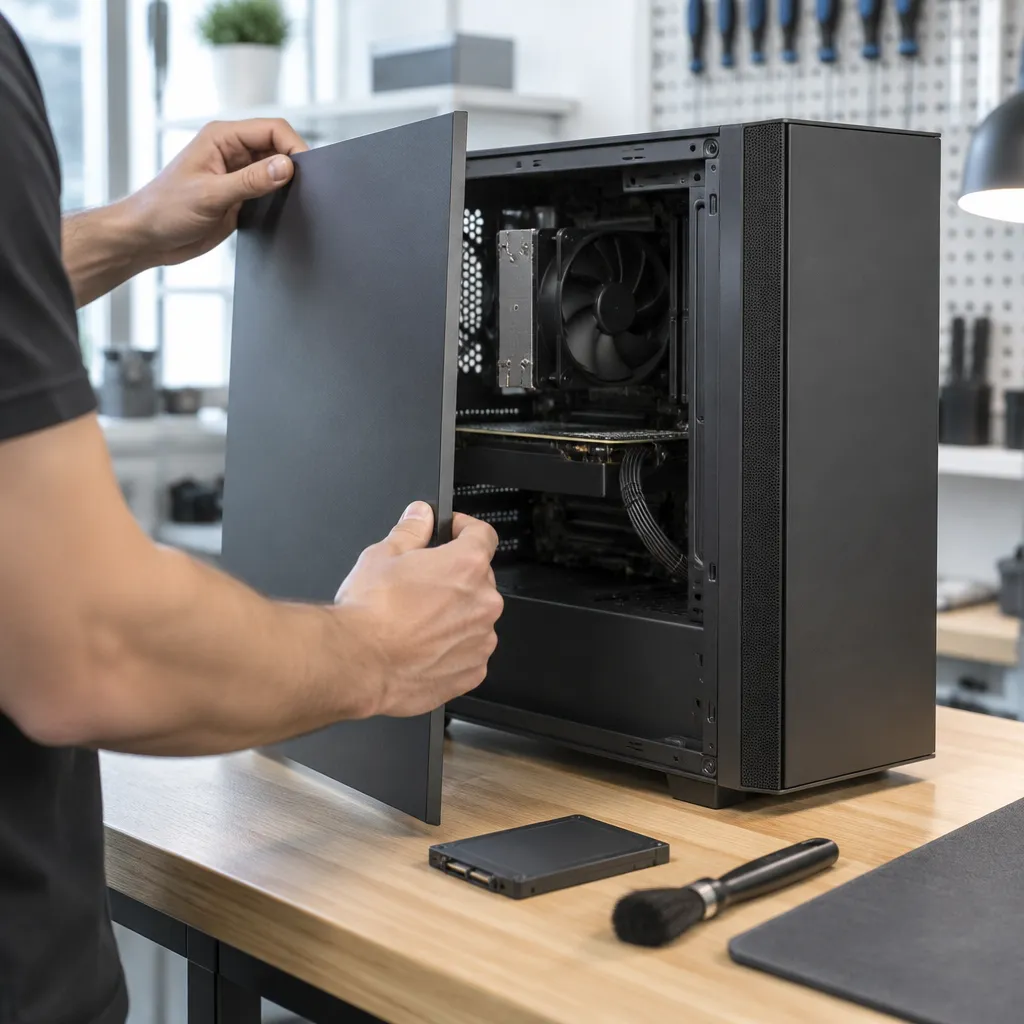
Disconnect the computer from the internet if you suspect malware, which can cut off remote-control tools and data uploads. Then call your bank or card issuer, using the number on the back of your card, because they can freeze accounts and review unauthorized charges faster than any other step. Write down the time, the message, and any changes you noticed, since that record helps both the bank and any professional cleanup.
Changing Passwords From a Clean Device
Change passwords from a device you trust, not from the computer you think is infected. Start with email, then banking, then shopping and retailer accounts. While you are in each account, turn on multifactor authentication and review recent logins and connected devices for anything unfamiliar.
Check your email account's forwarding rules as well. Attackers often set up rules that forward copies of messages elsewhere or hide security alerts, which lets them stay inside the account even after you change the password.
Signs Your PC Needs Professional Virus Removal
Some infections cannot be cleaned by running a scan and deleting a file. Watch for a browser that keeps redirecting to unfamiliar pages, pop-ups that return after every restart, programs you did not install, or a computer that slows sharply even when idle. Any of these suggests something has embedded itself deeper than a simple scan can reach.
In that case, a professional cleanup is usually the faster and safer choice. Our article on why you need professional virus removal explains what a proper cleanup involves. If you are in Portland or the Portland Metro Area, call Steve's PC Repair at (503) 850-0200. We will tell you honestly whether remote support can handle the job or whether the machine needs to come in, and we aim to recommend the most cost-efficient fix, which often means cleaning a computer rather than replacing it.
Frequently Asked Questions
Can a phishing email infect my PC without me clicking anything?
Usually not by itself. Most infections need you to open an attachment, enable macros, run a file, or enter credentials on a fake page. Keep your mail app updated, and do not open unexpected attachments, even ones that look like receipts.
Are Macs safe from holiday shopping scams?
Macs are not immune to phishing, fake shopping sites, or malicious downloads, because these attacks target people rather than one operating system. Keep macOS updated, use multifactor authentication, and avoid installing software from unknown sites. For more detail, read our article on whether Macs get viruses and malware.
What should I do if I entered my card number on a fake site?
Call your card issuer or bank right away using the number printed on your card, not any number shown on the suspicious site. Ask them to review recent charges and issue a replacement card if needed. Then change the password on any account that uses the same login.
Do I need paid antivirus if my computer already has built-in protection?
Built-in protection covers the basics for many people who keep their software updated and browse carefully. A paid suite can add phishing filters, download scanning, and monitoring that some households find useful, especially with several devices or children online. Choose a product based on independent test results and how many devices you need to cover, not on pop-up ads.
How do I know if my PC needs virus removal in Portland?
Warning signs include unexpected pop-ups, a browser homepage you did not set, unfamiliar programs, sudden slowdowns, and account activity you do not recognize. If these appear after a suspicious click, stop using the computer for banking and contact a technician. Steve's PC Repair provides virus removal and repair for Portland, OR and the Portland Metro Area, and can tell you whether remote help is enough.
Tell us about a holiday scam you spotted or recovered from, since your real experience helps neighbors recognize the next one.
We would love your feedback and any insights you would share with others. What perspective would you add?
